
This release of OnboardMe introduces a range of new features and bug fixes. The changes are outlined below.
New Features
Introducing the new Lead Management feature
We're excited to launch the new Lead Management feature in OnboardMe.
When creating a new Client in OnboardMe, you can now choose if this is a Client, Lead or Terminated Client.
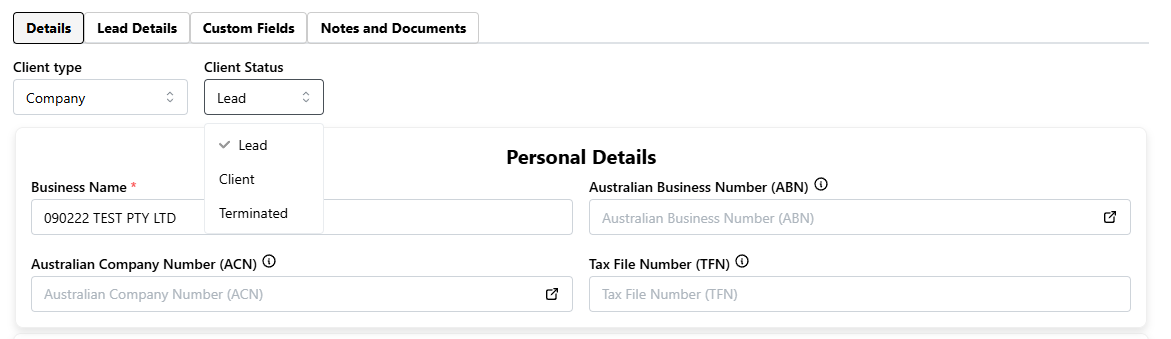
When a client is flagged as a Lead, the Lead Details tab becomes available.
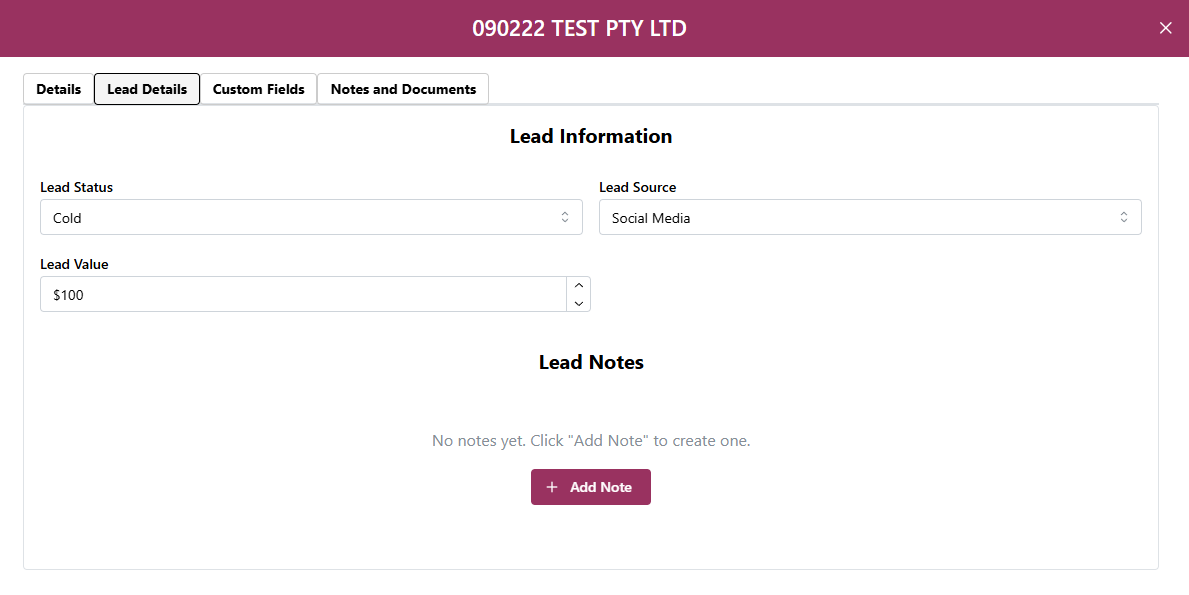
When capturing a lead, you have the ability to capture the following information:
Lead Status
Lead Source
Lead Value
Lead Notes
With the ability to Capture Leads, we have introduced the ability for you to view Leads in the Leads Dashboard.
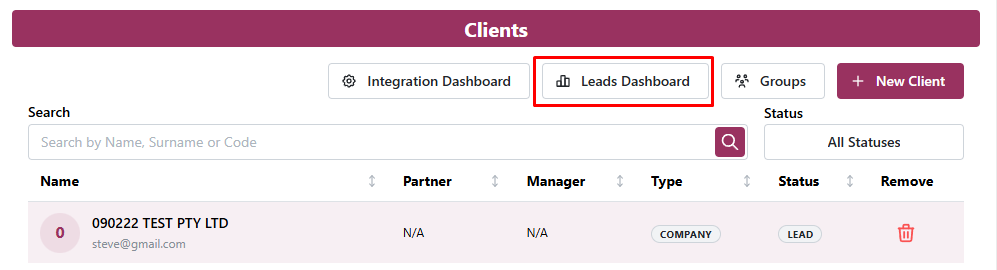
Leads can be manually captured, or can be added via External Link.
For more details on Leads, please refer to the Lead Management help article: Manage Leads in OnboardMe | onboardme help center
For more details on External Links, please refer to the External Links help article:Links for your website to automate OnboardMe intake | onboardme help center
Adding Client Business Number and Addresses to New Clients for Proposals
Most professional body templates require the client Business Number and Address to be captured at the time of signing the proposal.
OnboardMe now offers the ability for you to capture the New Client Business Number (ABN / NZBN / Company Number) and address when creating a Proposal to a new client.
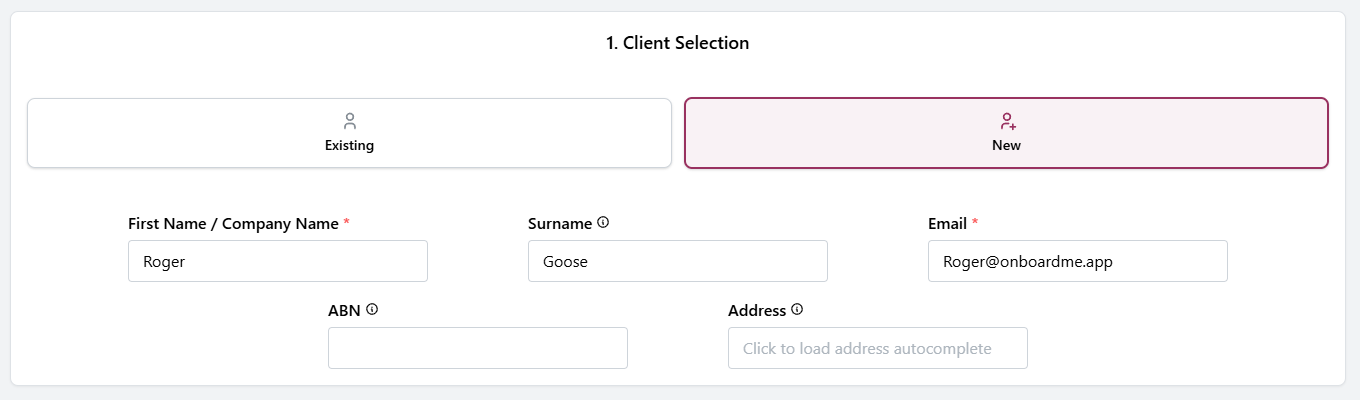
The 2 new fields are optional at time of sending, which will then trigger the customer needing to complete the details when they access the Proposal for the first time.
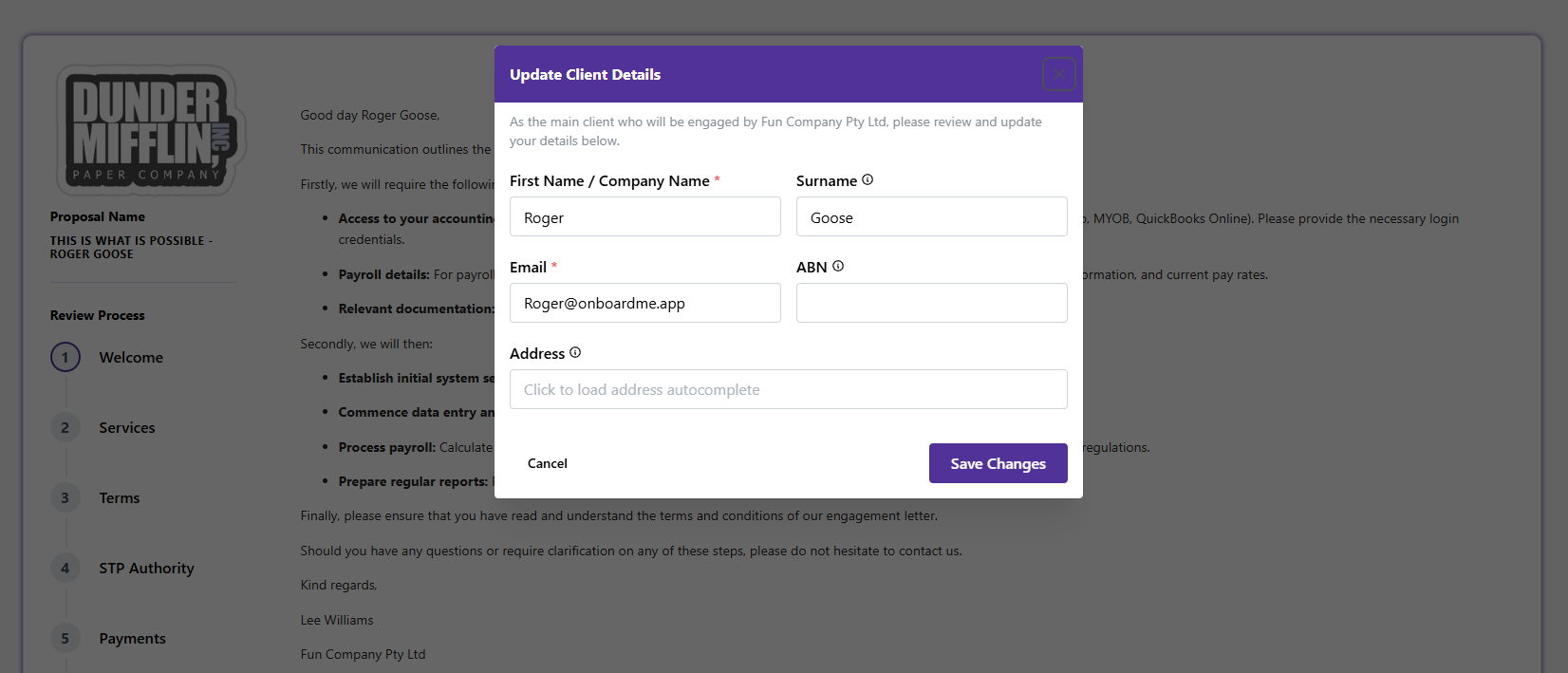
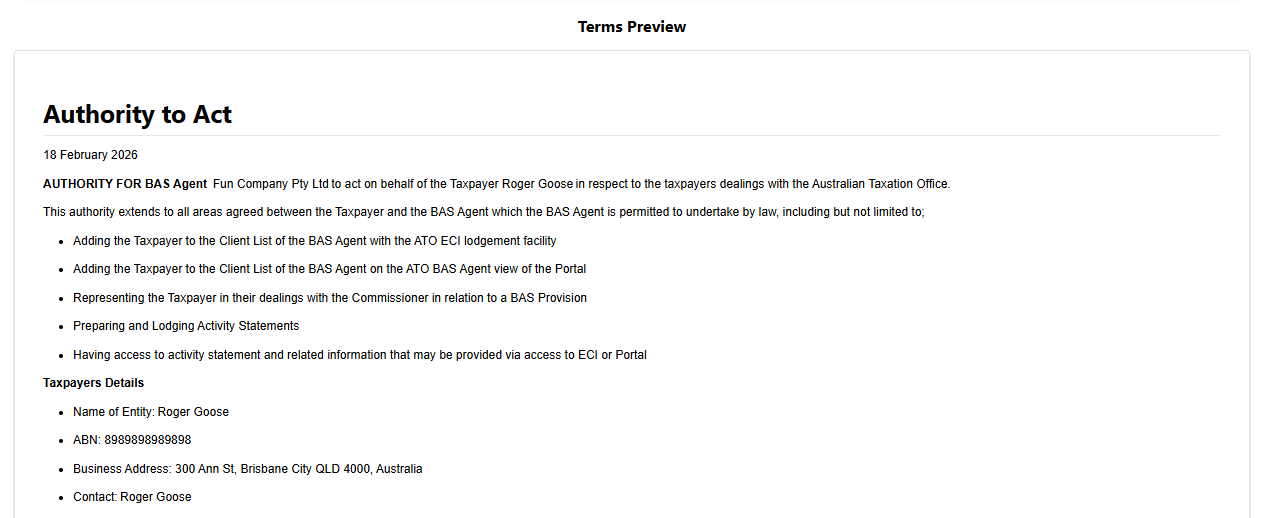
OnboardMe will check the Proposal Terms you have included and if it contains a merge field for [ClientBusinessNumber] or [ClientAddress], we will make either field mandatory for the customer to complete before they can continue with the proposal acceptance process.
For existing clients, the Client Business Number and Client Address will be loaded from their Client Record in OnboardMe when the proposal is created and reviewed.
External Links - Additional Security
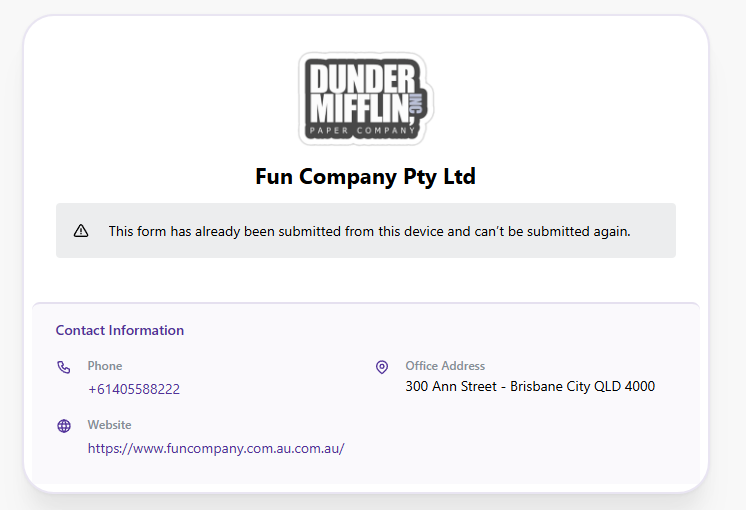
For customers using External Links to automate Client Onboarding, eForms or Proposal sending, we've added additional Bot protection to stop your external links from being used by internet bots who may come across the link on your website.
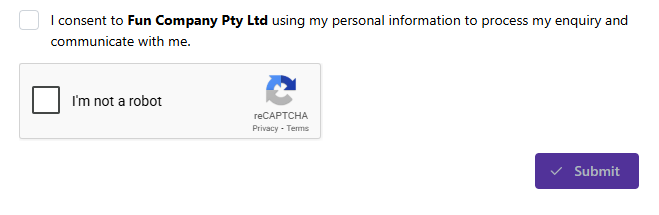
This additional Captcha further strengthens the External Links security which only allows a user to use an external link once per browser.
NZBN Integration (New Zealand Only)
For our New Zealand customers, we've released the first bit of our integration into the NZBN online API.
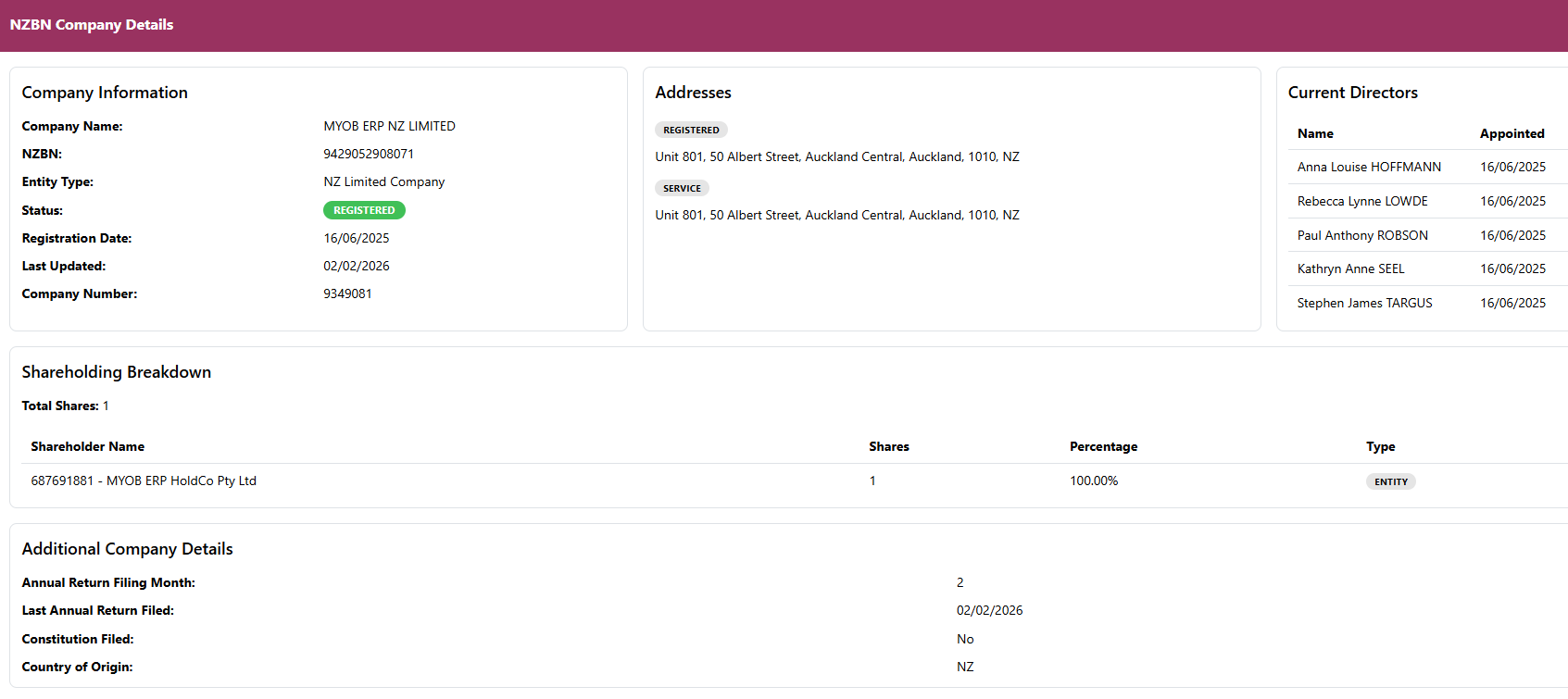
This allows us to lookup NZBN's captured during the Proposal Setup and show you the full company breakdown (as seen on the NZBN website).
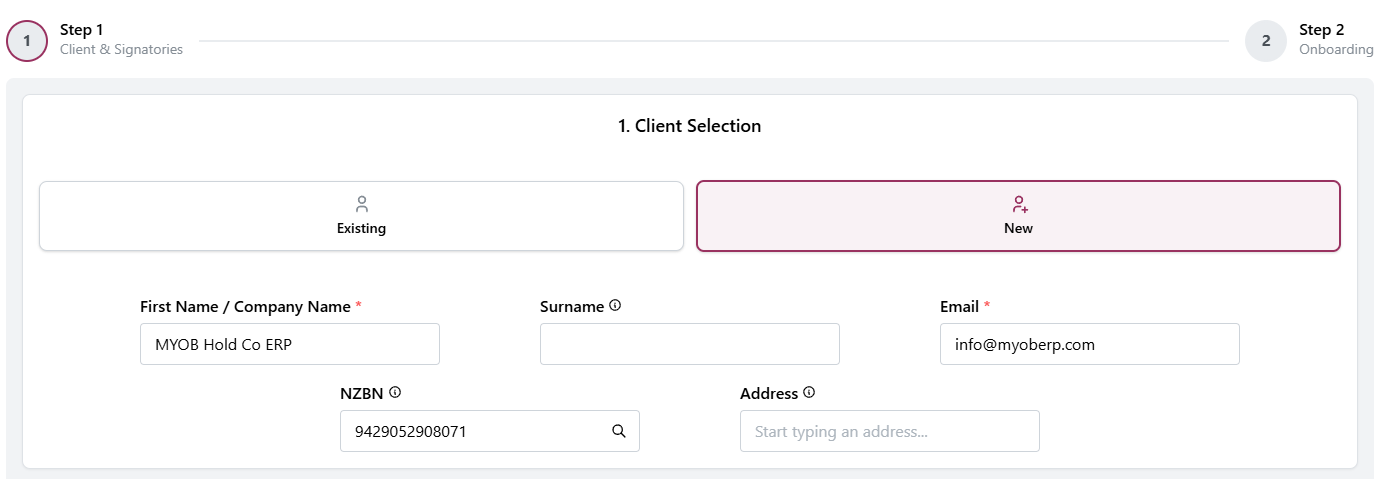
Clicking the Search button in the NZBN field will display the NZBN Company Search details.
Still need help?
Contact us