
This release of OnboardMe includes a host of new features and some bug fixes. The changes are outlined below.
New Features / Enhancements
General
External Links
Customers who host an onboarding form on their website or would like a more hands-off way to onboard new clients can now use the new External Links | onboardme help center feature.
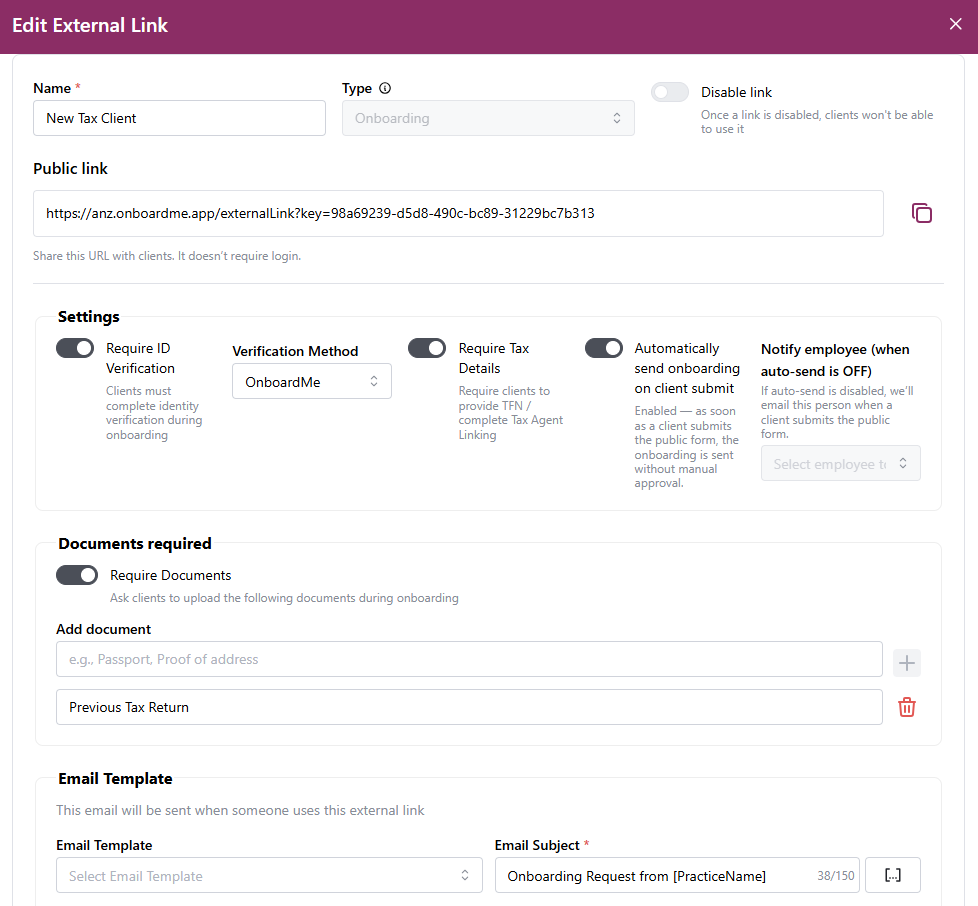
External Links can be set up by your business and hosted on your website or sent via email. When accessed, this link allows customers to start their own onboarding into the system.
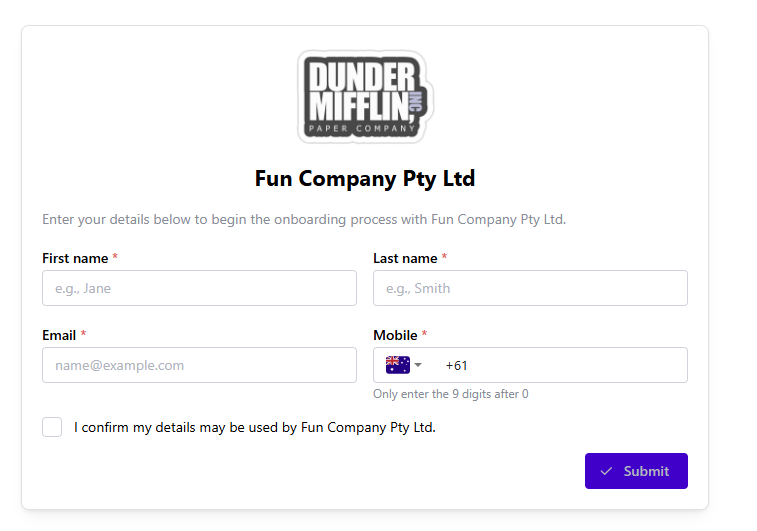
For full details on this feature, you can check out the help article: External Links | onboardme help center.
Client Onboarding
Improved Client Setup for Onboardings
We've listened to your feedback and given the Client Onboarding List section a new coat of paint.
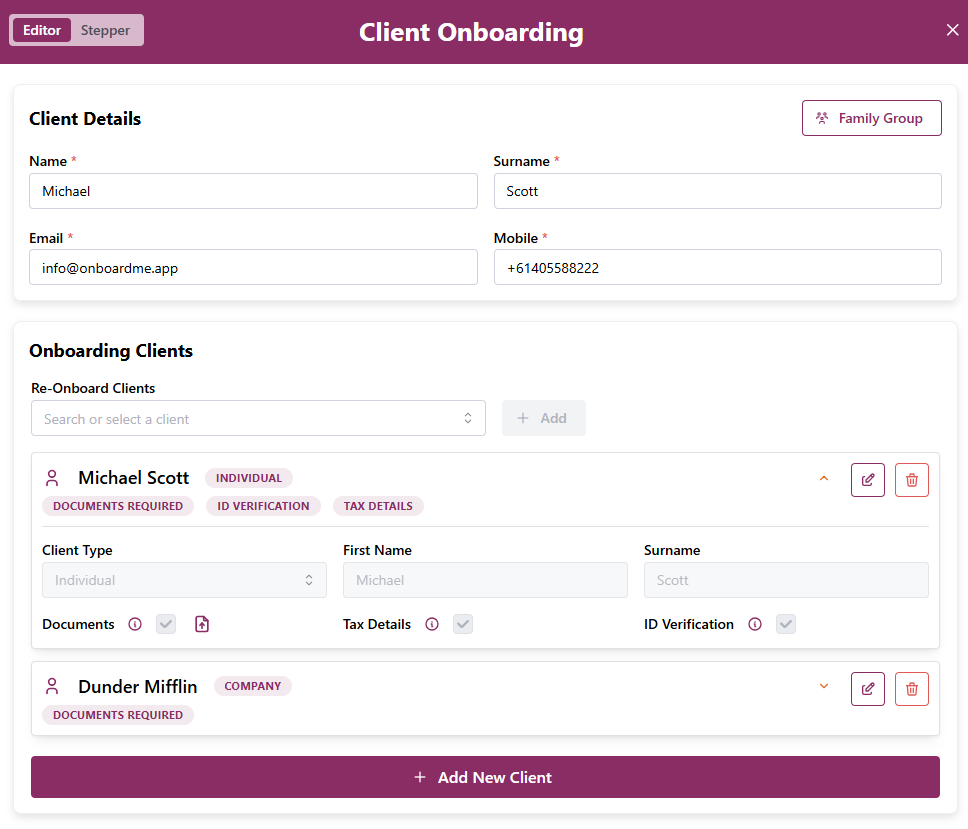
Each entity in the onboarding request will now have its own expandable row with badges outlining the options selected for that entity.
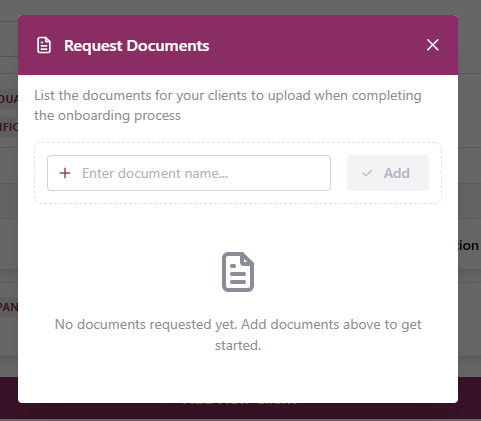
The Required Documents section has also received an update, with the Enter key allowing you to move to the next line to add new documents.
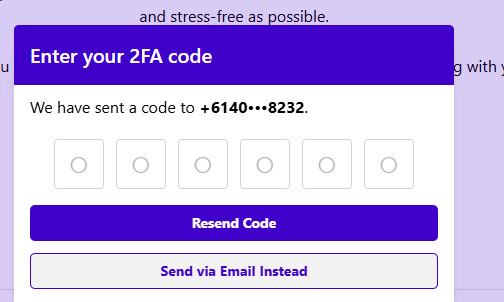
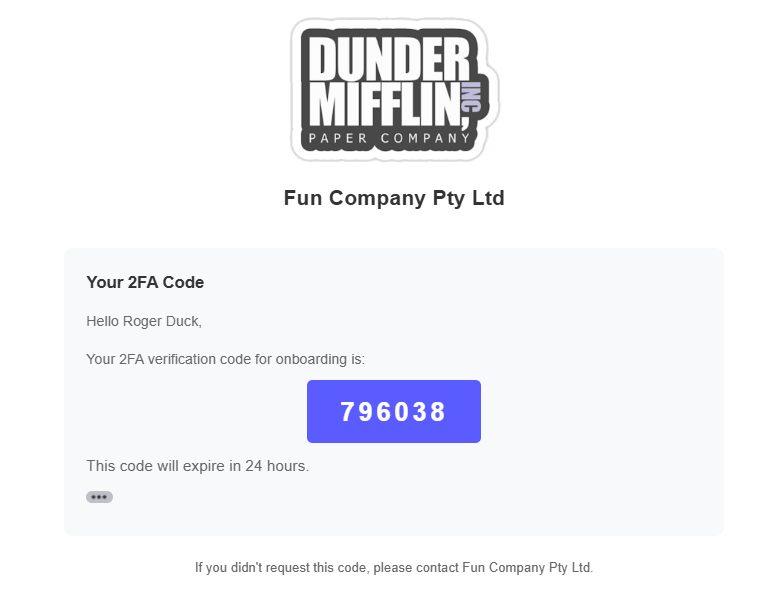
Emailing Onboarding 2FA codes
In some situations, mobile numbers may have been captured incorrectly, or the mobile device may not be available to your client.
We have now released a new email 2FA code option which customers can use to receive the 2FA code via email instead of SMS.
Uppercase Onboarding Data
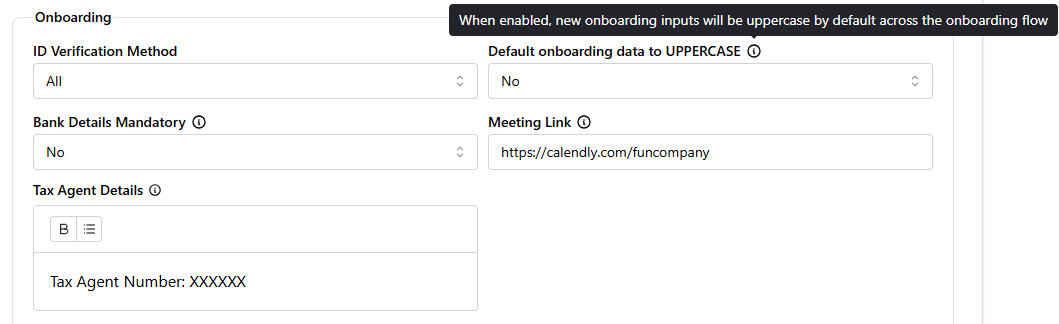
To assist firms who store their client data in uppercase in their practice management system, a new System Setting has been added which when enabled, will automatically convert onboarding data to uppercase as you progress through the review process.
Tax Agent Linking
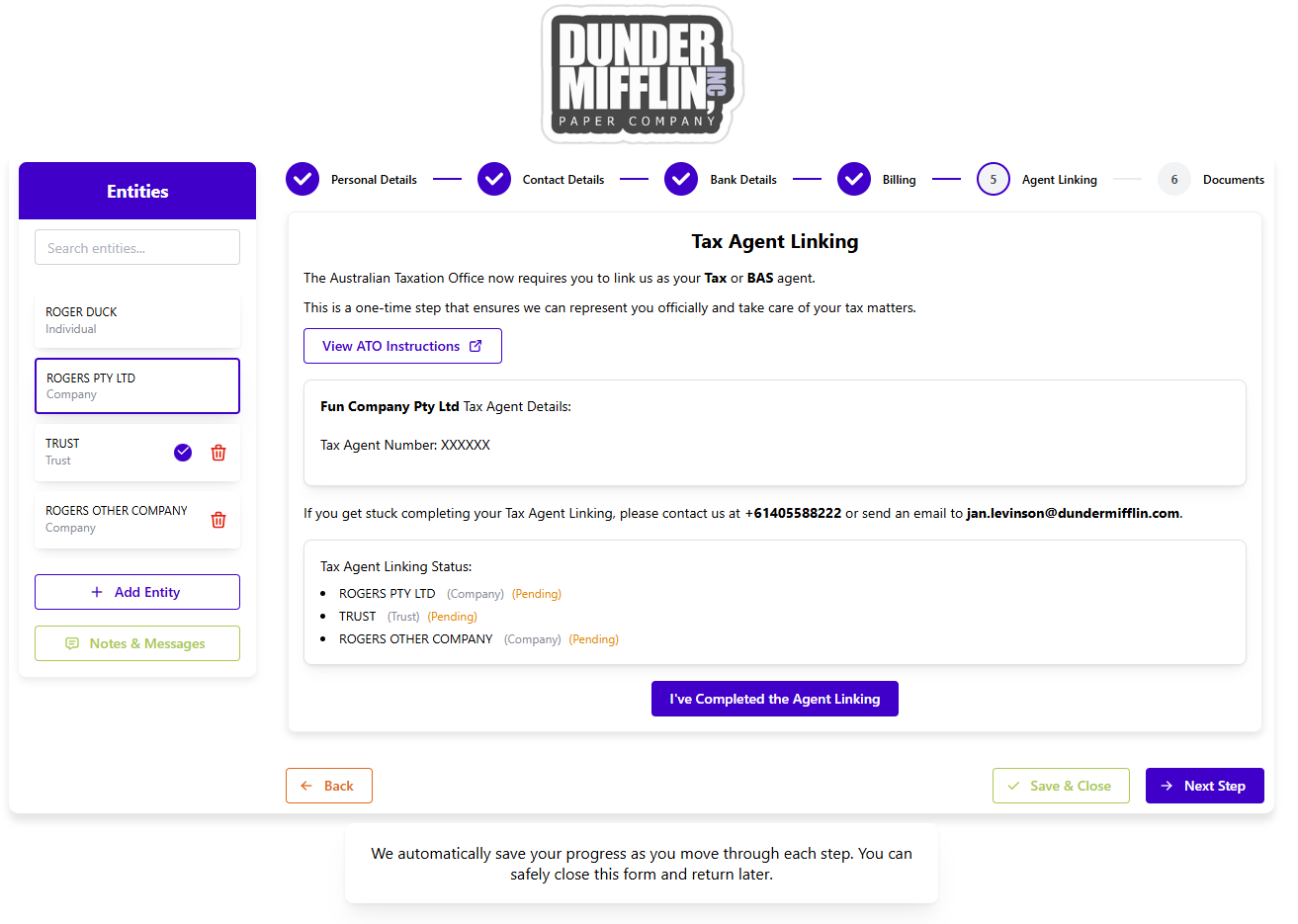
The Tax Agent Linking step has been enhanced to allow clients completing the onboarding, to flag Tax Agent Linking as complete for all required entities, instead of marking each one individually.
Proposals
Complete Proposals
Accepted Proposals can now be marked as completed from the Proposals list or within an Proposal.

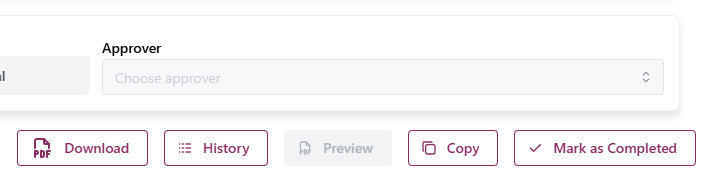
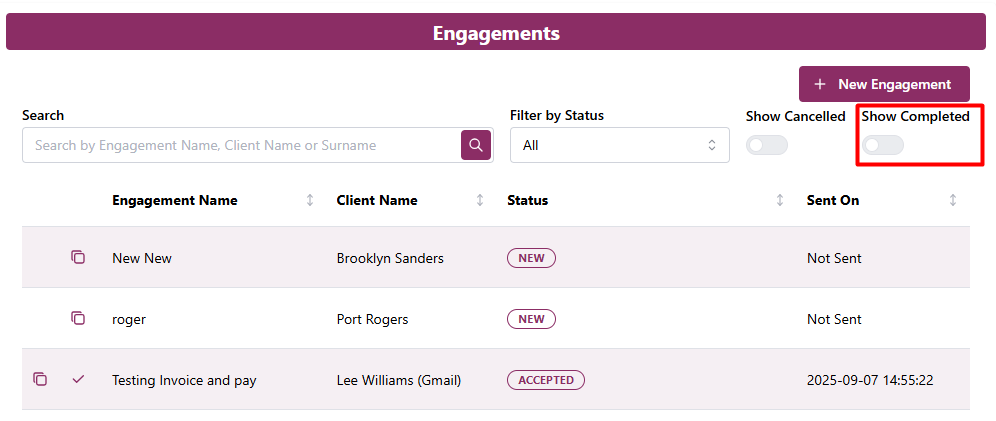
Completed Proposals are excluded from the list by default. A Show Completed option has been added to the Proposal List view to show completed items.
Copy Proposals
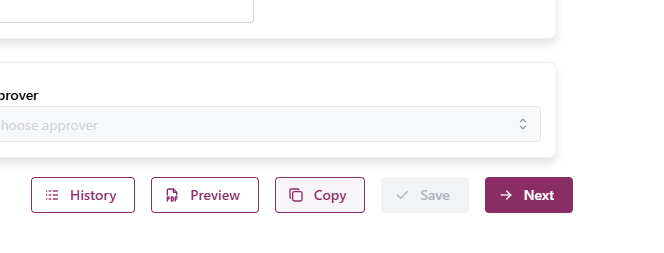
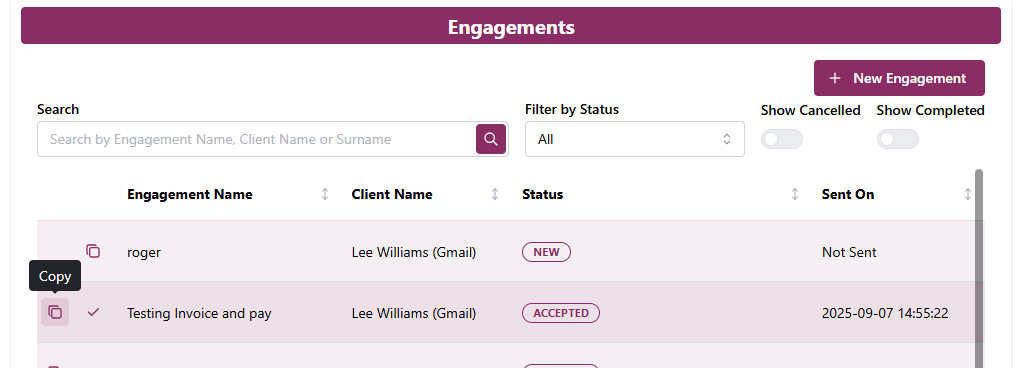
You are now able to copy an existing Proposal as the base for a new Proposal in OnboardMe.
A new Copy button has been added to the Proposal and Proposal Search screens. This will copy all parts of the Proposal except for Billings.
Hide XPM Jobs / MYOB tasks from Proposals
A new System Setting has been released to allow firms who don't use XPM Jobs or MYOB Tasks to hide this step from the Proposal setup process.

Once activated, the XPM Jobs / MYOB Tasks steps will be hidden from the Proposal Setup for all users when these systems are integrated.
Mobile Proposals
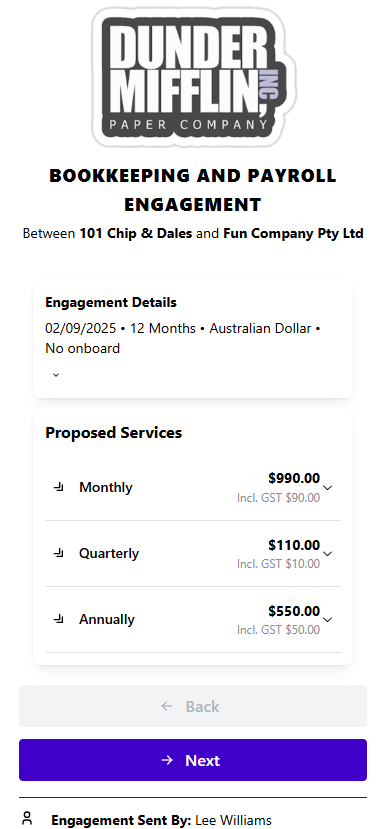
We have improved the Proposal signing experience on mobile.
Proposal Terms Enhancements
Numerous enhancements have been made to Proposal Terms:
Page Breaks - You are now able to add [PAGEBREAK] placeholders into your Proposal terms, this will create a page break in the final PDF generated from OnboardMe.
Terms Section - A new [Section: Your Section Name] placeholder can be added to Proposal which will create subsections in the Proposal PDF.
Font Size and Style – We have added font styles and sizes to Proposal Terms to allow for greater customisation of your Proposal Terms.
Tables - Users are now able to add Tables into Proposal Terms.
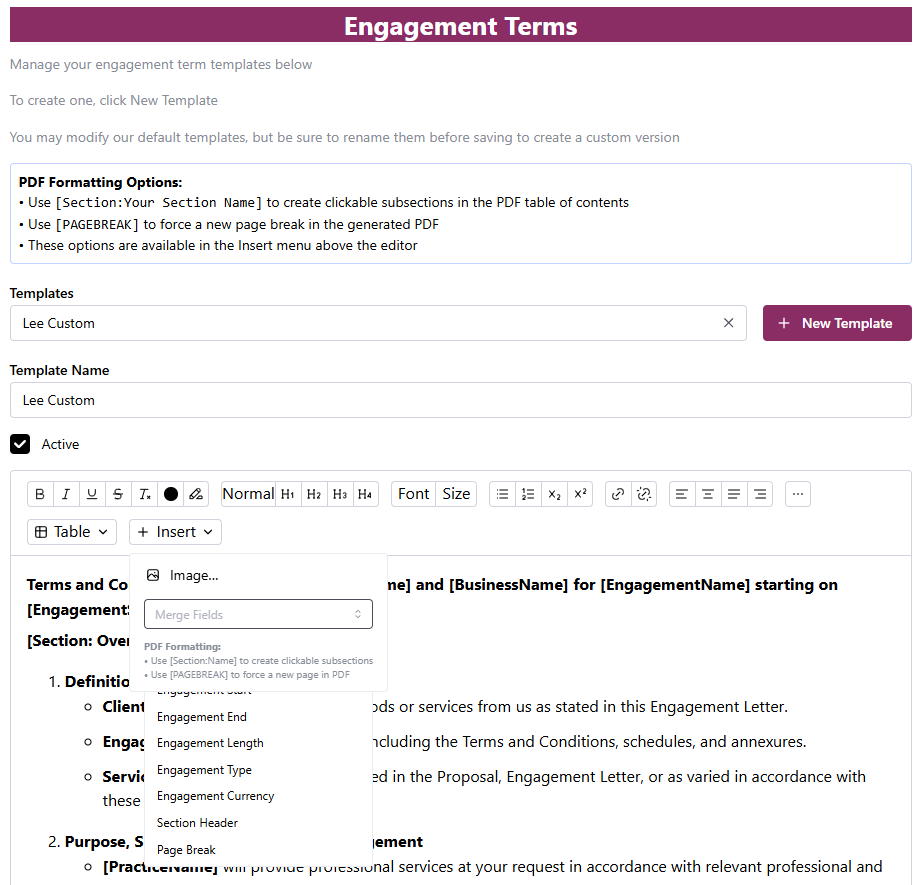
Proposal Terms with new Placeholders and font features
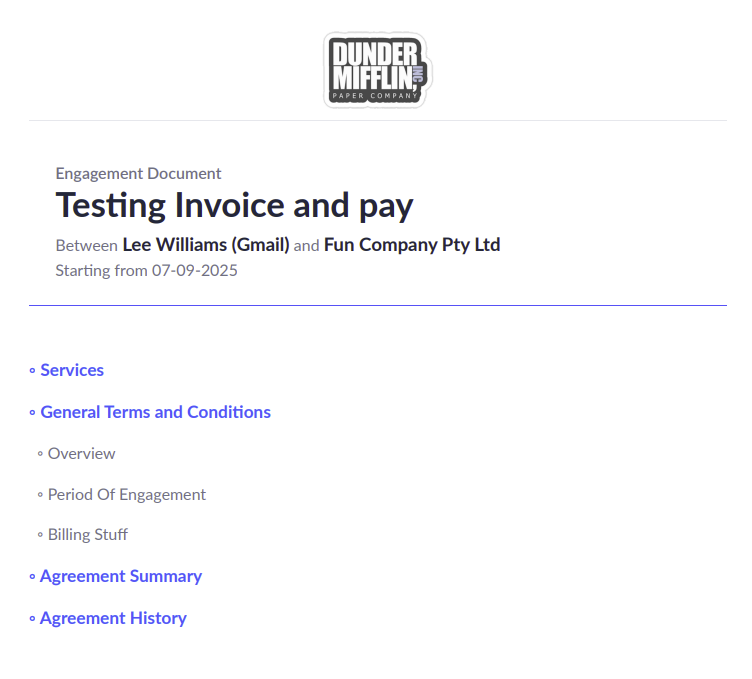
Generated Proposal showing new Terms Section functionality
Still need help?
Contact us