
This release of OnboardMe introduces a range of new features and bug fixes. The changes are outlined below.
New Features / Enhancements
Engagements
Menu of Services — New Feature
We’ve introduced a new Menu of Services feature within Engagements. This enhancement allows you to optionally include your full-service menu as optional add-ons when sending engagements to your customers.
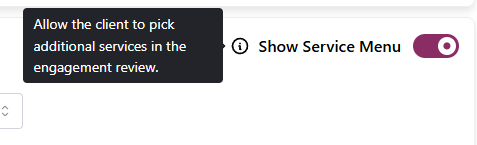
You’ll find this option on the Services step of the Engagement Setup. When enabled, a View Additional Features button will appear for your customers, giving them access to your full menu of services directly within OnboardMe.
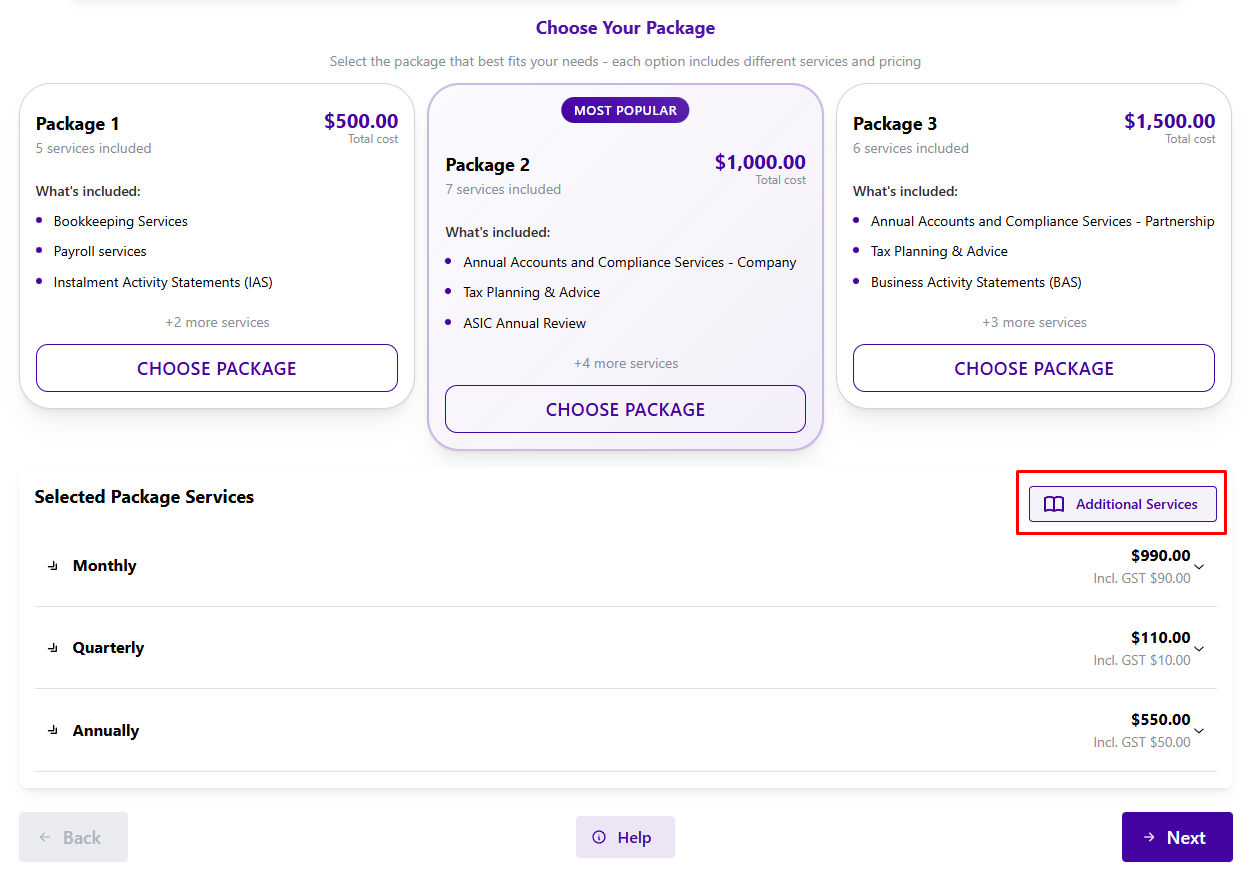
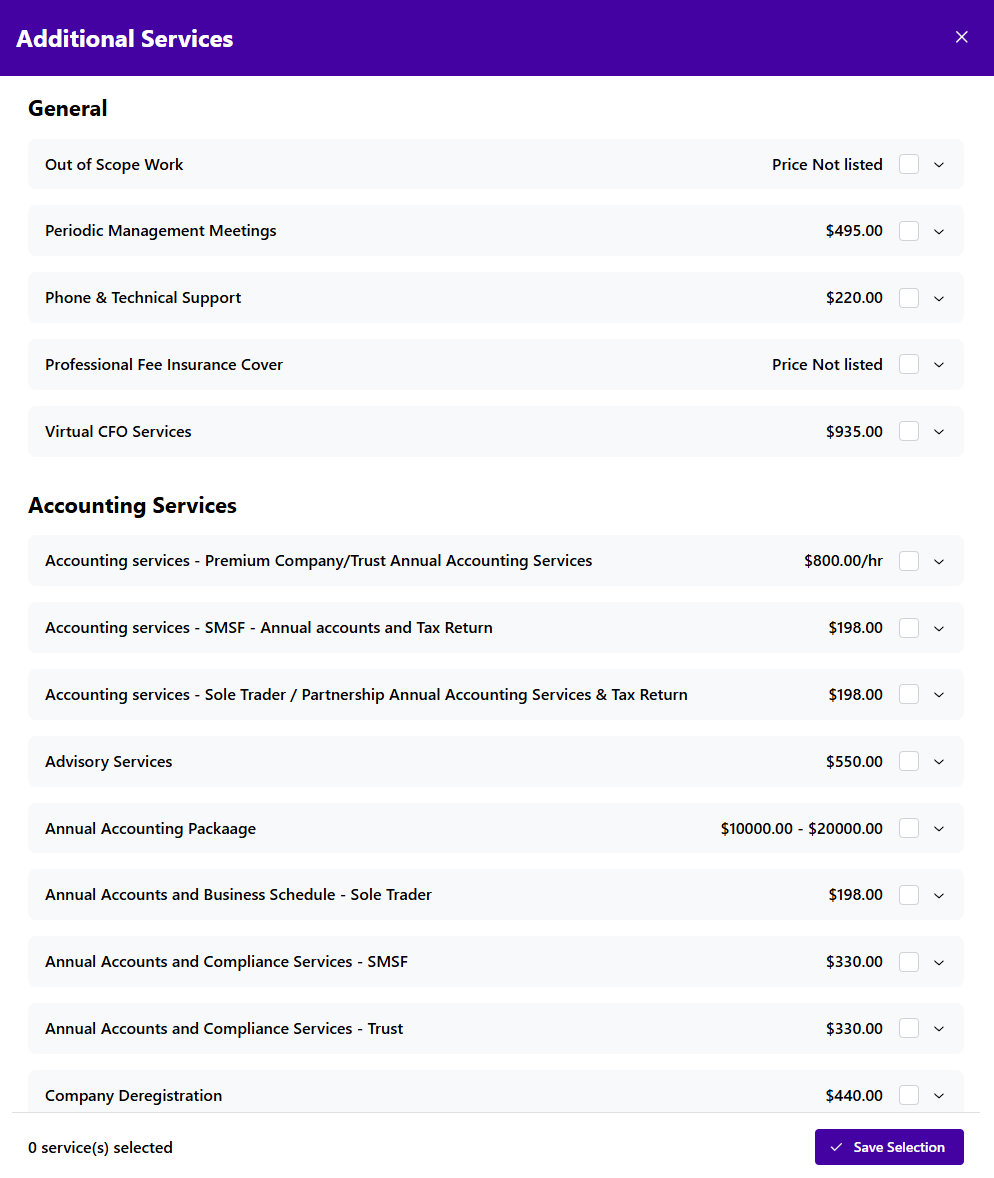
Customers can now select additional services they’d like to include when accepting their engagement.
To manage which services appear in your Additional Services menu, go to Settings / Services & Packages.
Each service now includes an “Include in Service Menu” toggle that controls its visibility to customers.
Billing Step — Enhancement
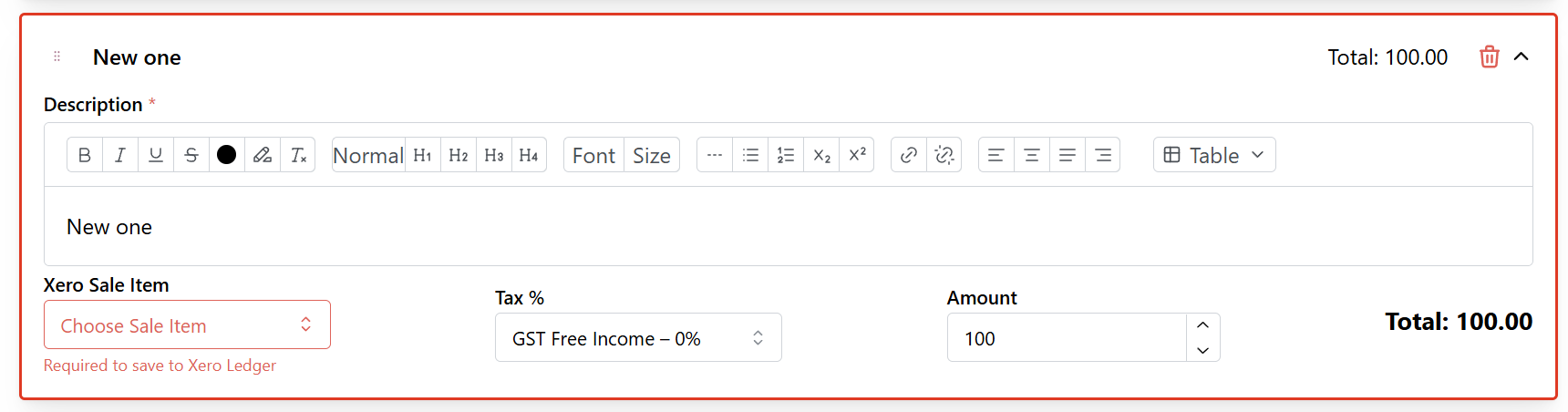
For customers using Xero integrated for Billing (Xero Ledger), we have added additional validation when creating bills in engagements, this will block progressing to the next step of the engagement setup if all Invoice Line Items are not correctly mapped to a Xero Sales Item.
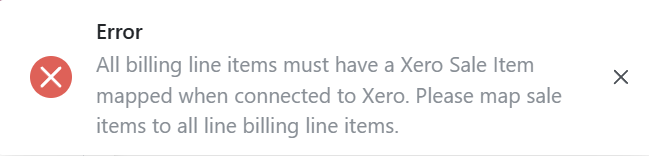
This new validation is on top of the existing field validation and line-item colour changes when missing a Xero Sales Item.
Customer Payment Methods — Enhancement
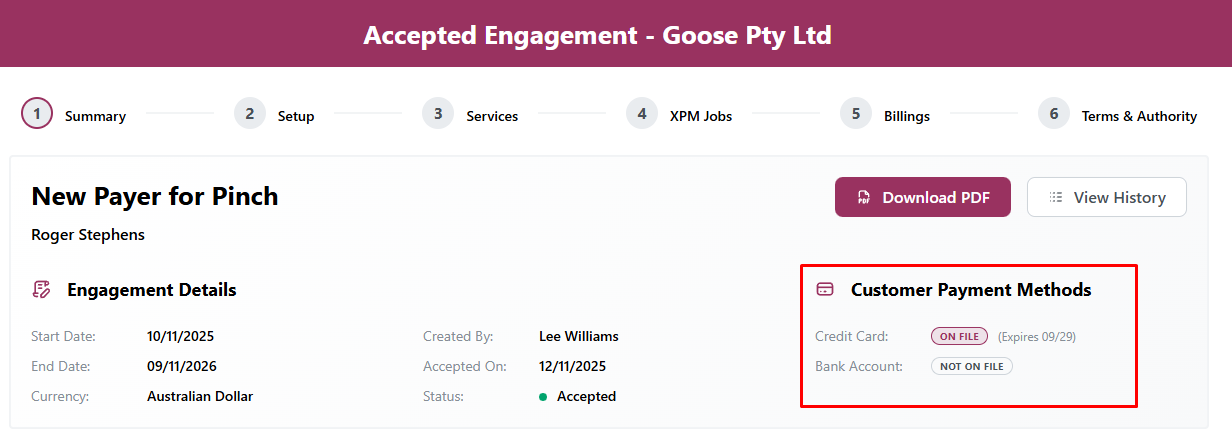
For customers using Pinch Payments, we have added a new Customer Payment Methods section to the Engagement Summary page. This will allow you to easily see if the Engagement Signatory added either a Bank Account or Credit Card payment method when accepting their engagement.
Client Onboarding
Terms and Conditions with Onboarding — New Feature
We’ve introduced the ability to include Terms and Conditions in your client onboarding. This is ideal for firms that don’t require a full engagement to be signed but still want their Terms and Conditions accepted during the onboarding process.
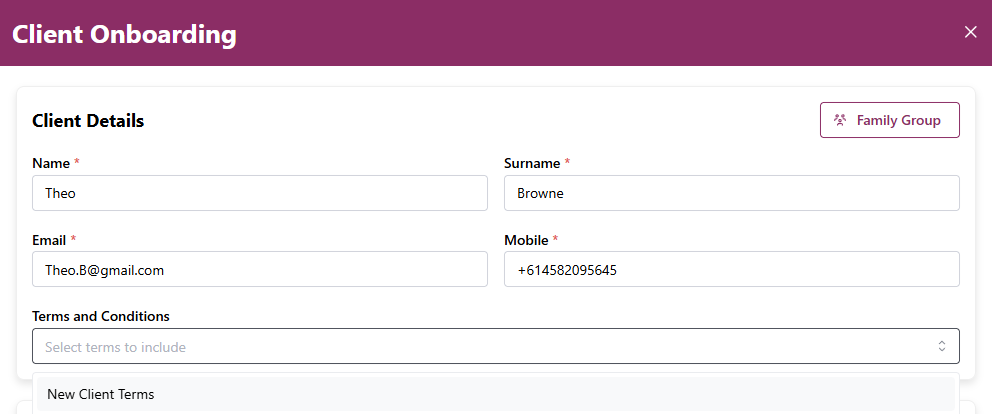
When creating a new Client Onboarding via the Onboarding module, you’ll now see a Terms and Conditions dropdown. This lists all Terms & Conditions you have configured in your templates.
The selected Terms & Conditions will be presented to your client when they first access the onboarding area.
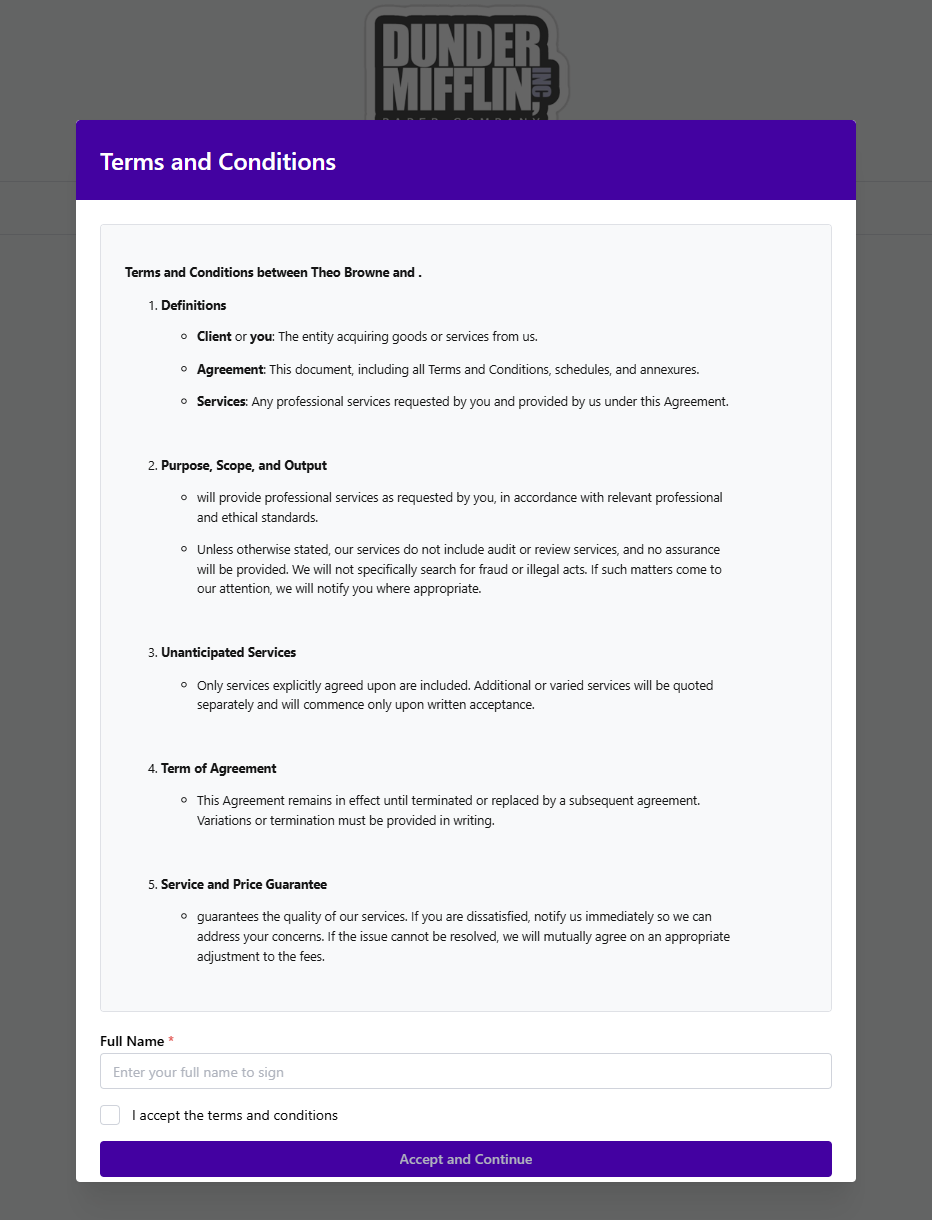
Note: Clients will be required to enter their name and accept the terms before they can continue with the onboarding.
Onboarding Layout - Scroll Mode — New Feature
We’ve introduced a new setting that lets firms control the Onboarding layout experience for their customers.
By default, OnboardMe displays Onboarding in a step-by-step layout, where users navigate through the wizard by clicking Next Step.
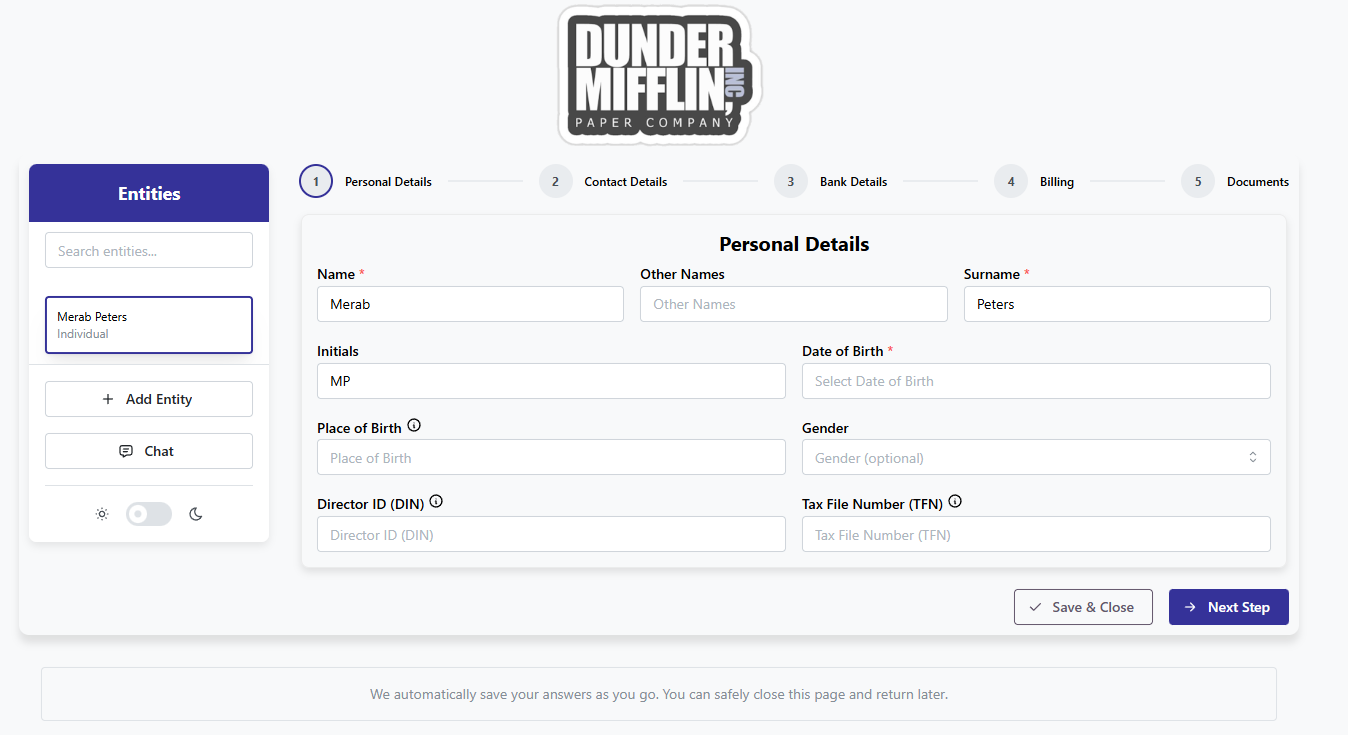
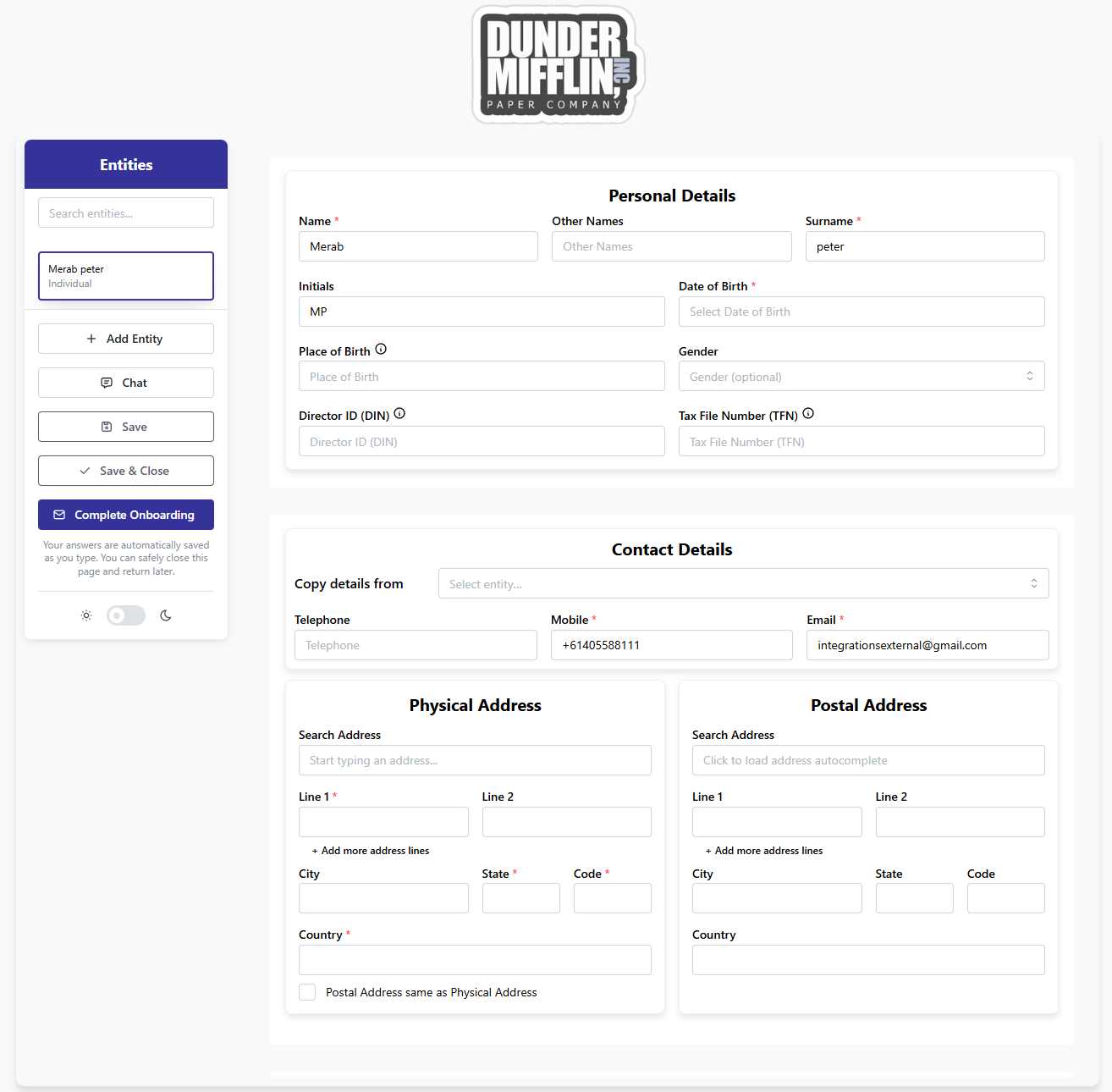
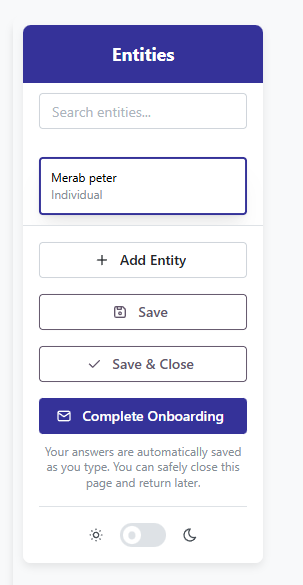
A new system setting now allows you to switch the default layout to Scroll Mode. Scroll Mode removes the step navigation and presents the Client Onboarding as a continuous, scrollable form for each entity—matching the layout used in the recently released eForms module.
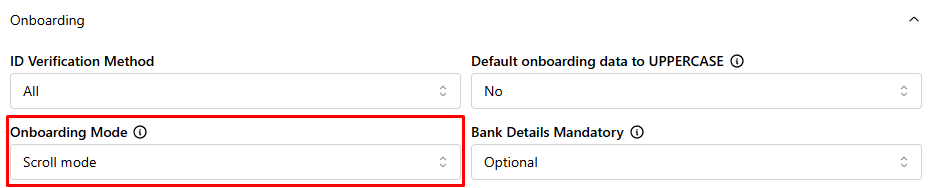
When this setting is changed to Scroll Mode, the Onboarding layout will update accordingly. An example is shown below.
Hide Chat in Onboarding— Enhancement
We've introduced a new setting that allows you to hide the chat feature in the Onboarding process.
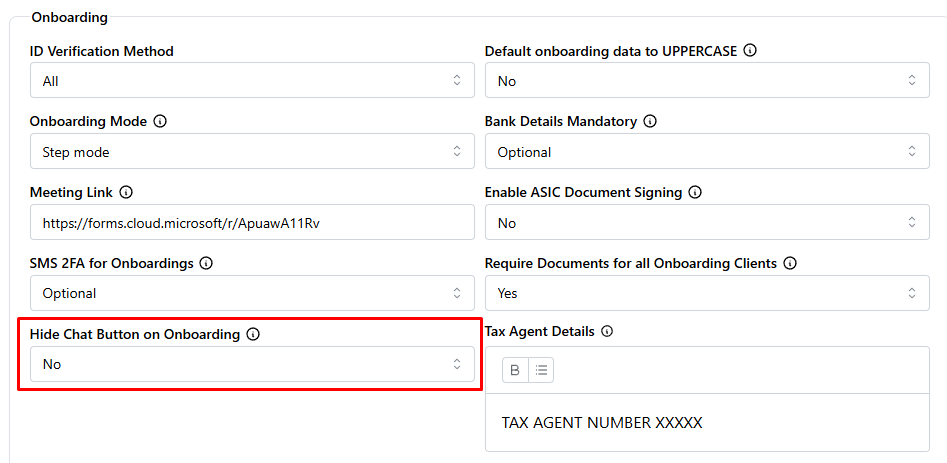
When setting this to Yes, the Chat button will be hidden for all users of the onboarding process.
Still need help?
Contact us