
This release of OnboardMe introduces a range of new features and bug fixes. The changes are outlined below.
New Features / Enhancements
Engagements are now Proposals
We’ve renamed Engagements to Proposals across OnboardMe.
This change reflects how most firms use this part of the platform. For clients, this is the starting point of the relationship; reviewing scope, fees, and terms before any work begins. Calling it a Proposal makes that intent instantly clear.
Why we made this change
Clearer for clients: “Proposal” is familiar language and easier for clients to understand at a glance.
Less friction, fewer questions: Th removes that confusion.
Stronger first impression: Your client’s first interaction with OnboardMe should feel simple, professional, and intuitive.
Nothing about how the feature works has changed — only the name. All existing engagements have been seamlessly updated to Proposals, with no action required from you.
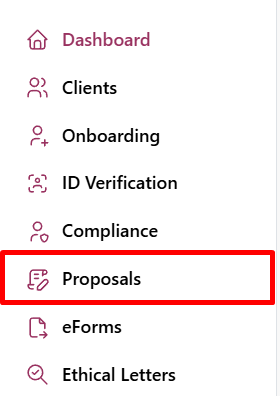
All Email Templates, page names, and notifications have been updated to use Proposals.
Any existing emails with legacy Engagement links will continue to work, with clients automatically redirected to the appropriate Proposal page.
Proposal Controls — Enhancement
We've centralised Proposal Options to the Proposal setup page to simply what you choose to include with your proposal.
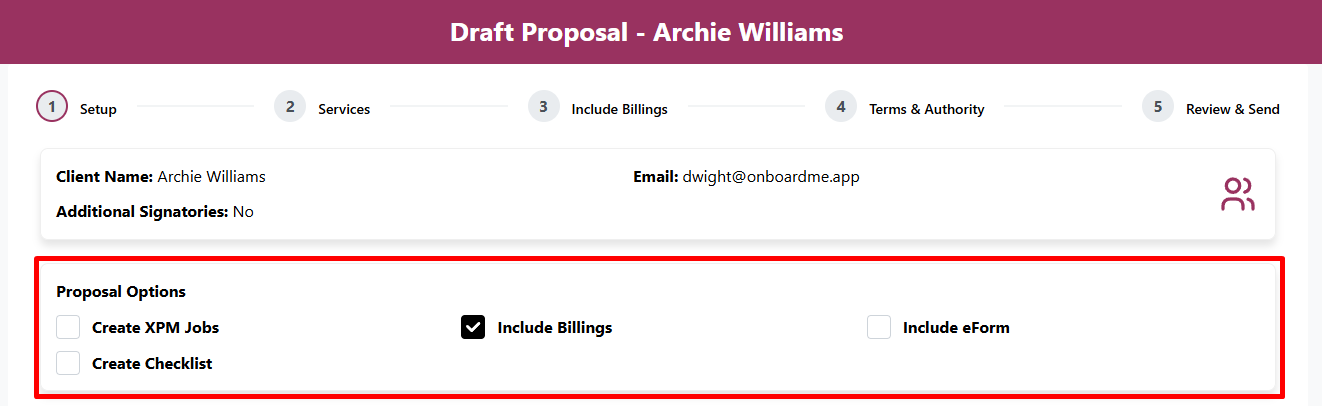
All Proposal Options are now controlled from the Proposal setup page. Instead of toggling steps one by one, you can decide upfront what to include. Any option not selected will be automatically hidden from the Proposal.
Download Proposals before acceptance - Enhancement
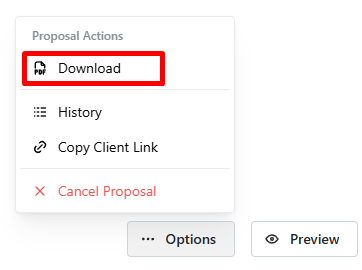
Some customers may want a PDF of the Proposal to review with co-workers before accepting. To aid in this process, you can now Download a copy of the proposal before its been accepted. This can be done in the Options menu in the proposal editor.
Client Onboarding
Send eForms with Onboarding — Enhancement
After the release of the eForms module, we have continued to extend its integration with the OnboardMe platform.
When sending an Onboarding or a Proposal with an Onboarding, eForms can now be included.
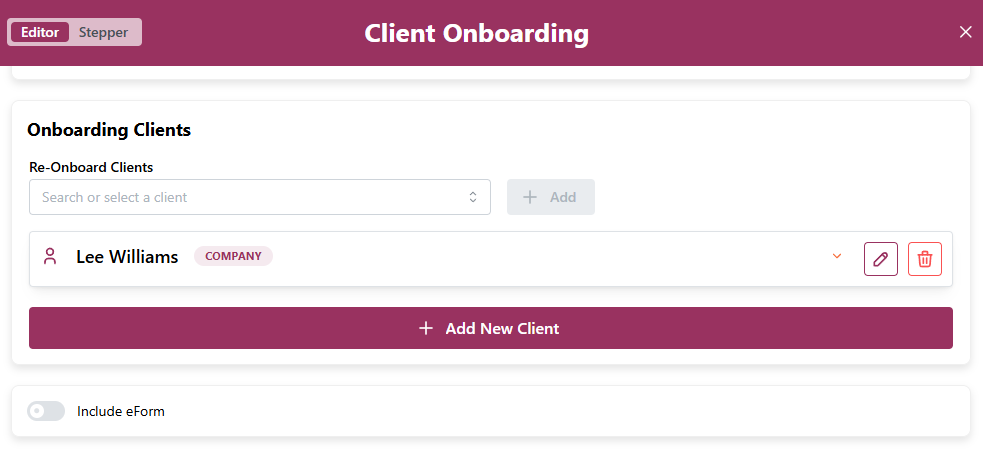
When your clients have completed their onboarding, they will be automatically taken to the eForm to complete.
eForms that are sent with Onboardings will have the "Pending Onboarding" status until opened by your client.
Ethical Clearances
Ethical Clearance Security— Enhancement
We've added additional security layers to Ethical Clearances.
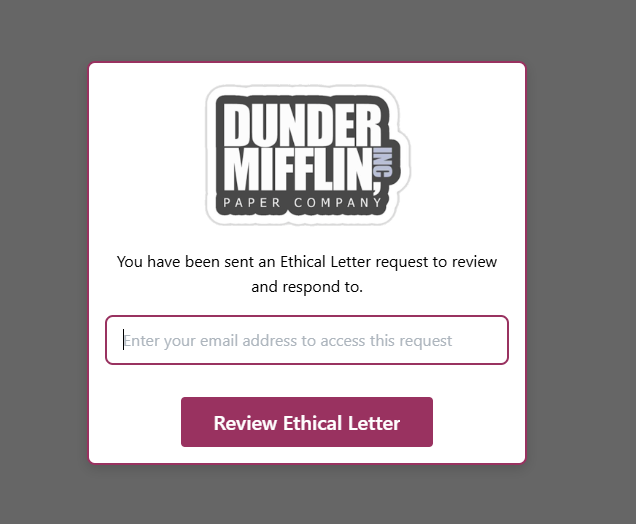
Previously, an ex-accountant could access an Ethical Clearance link without any form of validation.
Now, the recipient must verify the email address the request was sent to before they can complete the Ethical Clearance.
Still need help?
Contact us